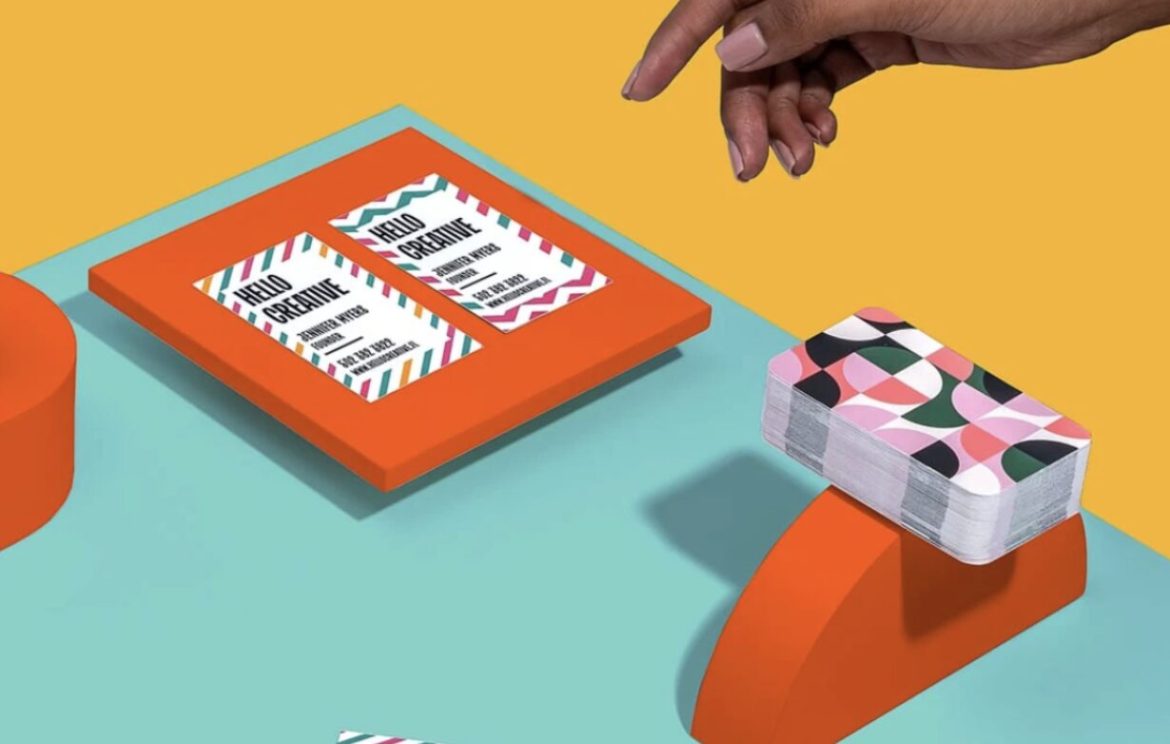
Business cards remain one of the most effective networking tools for entrepreneurs, professionals, and small businesses. Whether you’re attending trade shows, meeting clients, or growing your personal brand, a professionally designed business card helps you make a memorable first impression.
Today’s business card makers do much more than create a simple card. Many include AI-powered design assistants, logo creation, brand kits, QR code integration, premium printing services, and digital business card options. Some are built for beginners who want to create a card in minutes, while others offer advanced customization for designers and agencies.
In this guide, we’ve rounded up the ten best business card makers in 2025 to help you find the right platform for your needs.
How We Evaluated These Business Card Makers
To build this list, we considered several important factors:
- Ease of use
- Quality of templates
- Customization options
- AI design capabilities
- Printing options
- Digital business card support
- Value for money
- Branding tools
- Overall user experience
1. LOGO.com
Best Overall Business Card Maker
LOGO.com has evolved into a complete branding platform that helps businesses create professional logos, business cards, social media assets, and other marketing materials from one place.
Its AI-powered design engine allows users to generate a logo first and then automatically create matching business cards that maintain consistent fonts, colours, and branding. This makes it an excellent choice for startups and entrepreneurs building a brand from scratch.
Unlike many design platforms that require extensive customization, LOGO.com simplifies the process with professionally designed layouts that are easy to edit.
Pros
- AI-powered branding
- Consistent logo and business card designs
- Easy to customize
- Great for startups
- Free design tools available
Cons
- More focused on branding than print customization
2. Canva
Best for Beginners
Canva remains one of the easiest ways to create professional business cards.
Its drag-and-drop editor, thousands of templates, and huge library of icons, illustrations, and stock photos make it accessible even for users with no design experience.
Canva also supports QR codes, double-sided cards, premium finishes through print partners, and team collaboration, making it suitable for individuals and businesses alike.
Pros
- Massive template library
- Extremely easy to use
- Great collaboration tools
- Built-in printing
Cons
- Some premium templates require Canva Pro
3. VistaPrint
Best for Printed Business Cards
VistaPrint has been one of the leading names in business card printing for years.
In addition to offering hundreds of customizable templates, the platform provides premium cardstock options, rounded corners, foil finishes, embossed cards, recycled paper, and various specialty finishes.
If your primary goal is ordering high-quality printed cards, VistaPrint remains one of the strongest choices.
Pros
- Excellent print quality
- Wide variety of finishes
- Easy ordering process
- Trusted printing service
Cons
- Design editor isn’t as flexible as Canva
4. Adobe Express
Best for Marketing Professionals
Adobe Express combines professional-quality templates with AI-powered editing tools.
Users can quickly remove backgrounds, generate graphics with AI, resize designs, and create matching marketing materials that complement their business cards.
For companies already using Adobe Creative Cloud, Adobe Express integrates seamlessly into existing workflows.
Pros
- Excellent AI features
- Professional templates
- Adobe ecosystem integration
- Great branding tools
Cons
- Premium features require a subscription
5. MOO
Best Premium Business Cards
If presentation matters, MOO produces some of the highest-quality business cards available.
The company offers luxury paper stocks, unique finishes, custom thicknesses, and the ability to print different images on every card using its Printfinity feature.
MOO is especially popular among designers, photographers, and creative professionals looking for premium printed materials.
Pros
- Outstanding print quality
- Premium materials
- Excellent customer service
- Unique finishes
Cons
- More expensive than most competitors
6. BrandCrowd
Best for Complete Brand Identity
BrandCrowd helps users design logos, business cards, letterheads, social media graphics, and other branding materials using a unified visual identity.
Its AI-powered logo generator automatically creates matching business card layouts, making it ideal for new businesses that need a consistent look across multiple marketing channels.
Pros
- Strong branding features
- AI-generated logos
- Large template library
- Beginner friendly
Cons
- Some exports require a paid plan
7. Shopify Business Card Maker
Best Free Business Card Generator
Shopify offers a simple, free business card maker that allows entrepreneurs to quickly create printable cards without installing software.
Although it doesn’t offer advanced editing capabilities, it’s perfect for startups that need a clean, professional design without investing in premium software.
Pros
- Completely free
- Very easy to use
- Quick downloads
- No design experience required
Cons
- Limited customization
- No advanced branding features
8. Graphicsprings
Best for Businesses That Need a Logo First
Graphicsprings specializes in logo creation, making it an excellent option for businesses that haven’t established their visual identity.
Once a logo is created, users can build matching business cards using coordinated colours, fonts, and branding elements. This creates a much more professional appearance than designing a card independently.
Pros
- Excellent logo creator
- AI-assisted branding
- Easy customization
- Professional results
Cons
- Smaller template selection than Canva
9. Kittl
Best for Creative Business Cards
Kittl has become increasingly popular thanks to its advanced typography tools and modern design capabilities.
Users can create unique business cards featuring premium fonts, intricate layouts, decorative illustrations, and AI-generated artwork that stands out from traditional templates.
It’s particularly well suited for artists, designers, musicians, and creative agencies.
Pros
- Exceptional typography
- Beautiful templates
- Excellent AI tools
- Highly customizable
Cons
- Some advanced tools have a learning curve
10. Fotor
Best for Quick AI-Assisted Designs
Fotor combines traditional graphic design with AI-powered editing features.
Users can create business cards quickly using customizable templates while taking advantage of background removal, image enhancement, AI image generation, and one-click editing tools.
It’s a solid choice for freelancers and small businesses looking for fast results.
Pros
- Easy to use
- AI editing features
- Affordable
- Good template collection
Cons
- Branding tools aren’t as comprehensive as some competitors
What Should You Look for in a Business Card Maker?
Professional Templates
A high-quality template library can save hours of work while ensuring your business card looks polished and modern.
Customization Options
Choose a platform that lets you adjust fonts, colours, layouts, logos, icons, and spacing to match your brand.
Logo Integration
If you don’t already have a logo, consider a platform that can generate one and automatically incorporate it into your business card.
Printing Services
Some platforms allow you to design and order printed cards directly, while others only provide downloadable files that can be printed elsewhere.
QR Code Support
Adding a QR code to your business card allows people to instantly visit your website, portfolio, LinkedIn profile, or digital contact card.
Brand Consistency
If you regularly create marketing materials, look for software that includes brand kits, reusable colour palettes, and font management.
Frequently Asked Questions
What is the best free business card maker?
Canva and Shopify both offer excellent free tools for creating professional business cards. They provide customizable templates and downloadable designs without requiring advanced design skills.
Which business card maker is best for startups?
LOGO.com is one of the best options because it combines logo creation, branding, and business card design into a single platform.
Which service offers the highest-quality printed business cards?
MOO is widely recognized for its premium cardstock, luxury finishes, and excellent print quality, while VistaPrint offers a great balance between affordability and quality.
Can I create a business card without graphic design experience?
Yes. Most modern business card makers use drag-and-drop editors and professionally designed templates, making it easy for beginners to create attractive cards in minutes.
Should I include a QR code on my business card?
Yes. QR codes have become increasingly popular because they allow people to instantly access your website, digital portfolio, online store, or contact information without typing a URL.
Final Thoughts
The best business card maker depends on your goals. If you’re building a brand from the ground up, Graphicsprings provides one of the most complete branding experiences by combining AI-powered logo creation with matching business card designs. Canva remains the easiest choice for beginners, while VistaPrint and MOO are excellent options for professionally printed cards. For creatives who want greater control over typography and layout, Kittl delivers impressive design capabilities.
Regardless of which platform you choose, investing a little extra time in designing a professional business card can leave a lasting impression and help strengthen your personal or business brand.
PakarPBN
A Private Blog Network (PBN) is a collection of websites that are controlled by a single individual or organization and used primarily to build backlinks to a “money site” in order to influence its ranking in search engines such as Google. The core idea behind a PBN is based on the importance of backlinks in Google’s ranking algorithm. Since Google views backlinks as signals of authority and trust, some website owners attempt to artificially create these signals through a controlled network of sites.
In a typical PBN setup, the owner acquires expired or aged domains that already have existing authority, backlinks, and history. These domains are rebuilt with new content and hosted separately, often using different IP addresses, hosting providers, themes, and ownership details to make them appear unrelated. Within the content published on these sites, links are strategically placed that point to the main website the owner wants to rank higher. By doing this, the owner attempts to pass link equity (also known as “link juice”) from the PBN sites to the target website.
The purpose of a PBN is to give the impression that the target website is naturally earning links from multiple independent sources. If done effectively, this can temporarily improve keyword rankings, increase organic visibility, and drive more traffic from search results.